
- In file go to Production > Product & Pricing
- Select Program button at bottom and select HELOC Program Template.
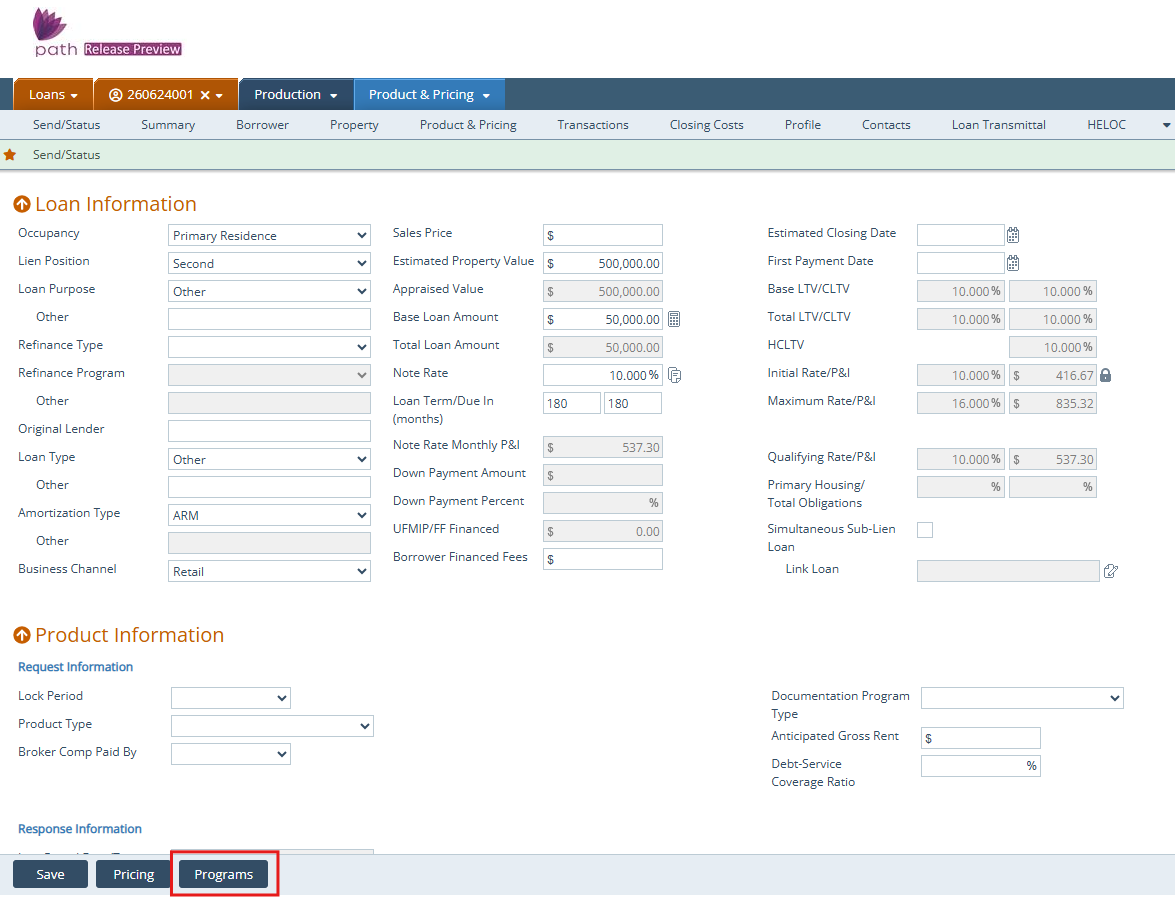
4. Click Save.
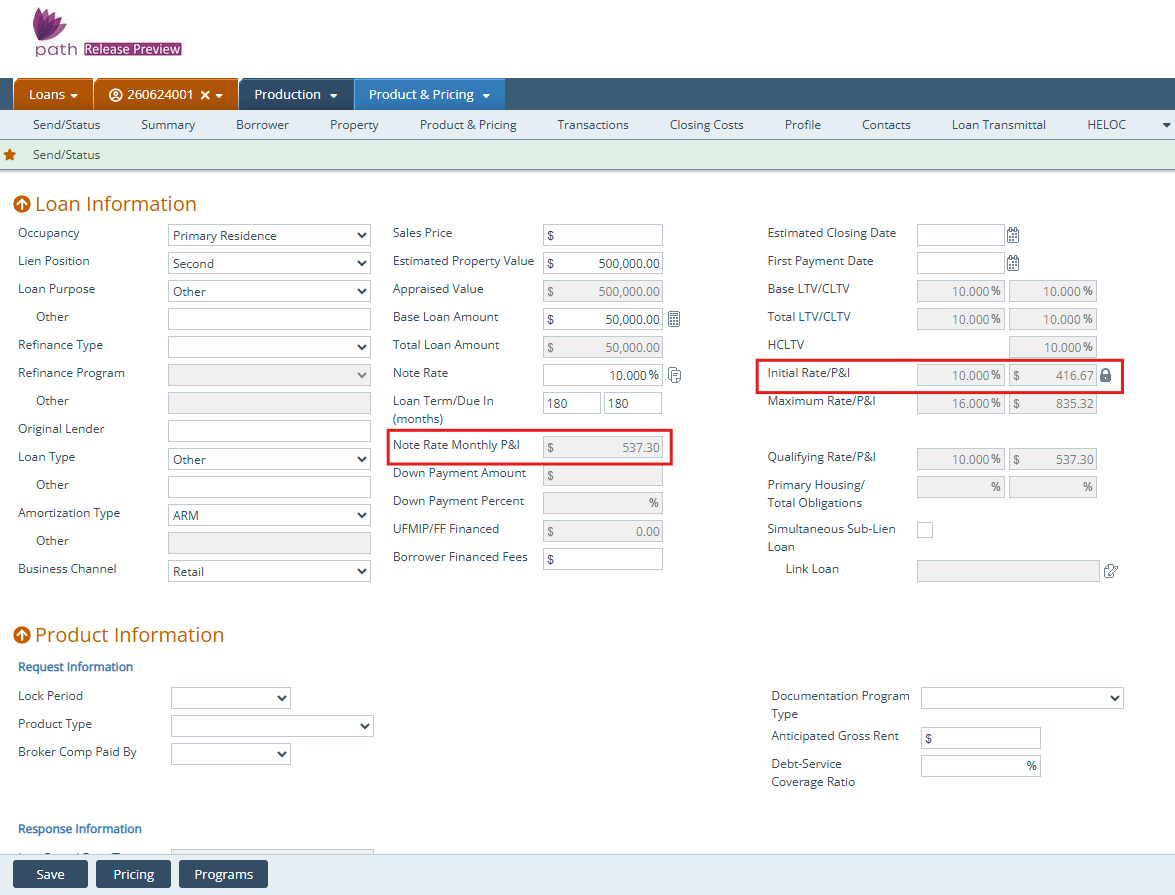
Note: If your HELOC has an Interest Only time frame then the Monthly P&I and the Initial Rat/P&I will not match. The Initial Rat/P&I is the interest only payment.
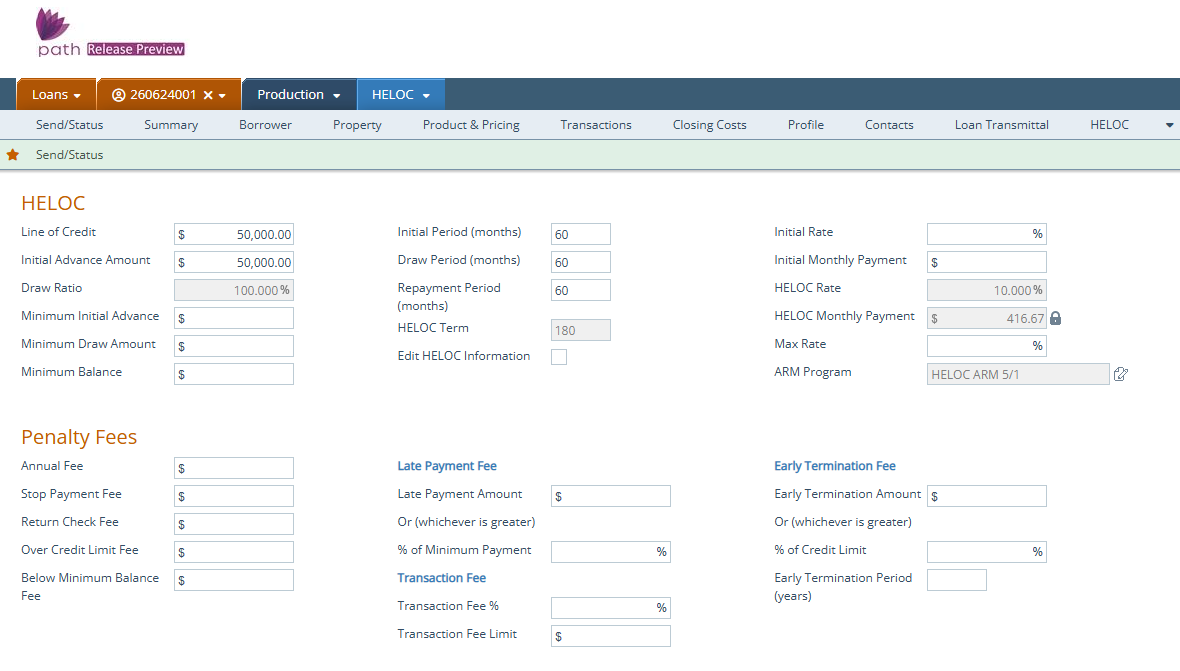
- Go to Production >HELOC.
- Enter loan program details.
- Click Save.
Note: If your loan has any other Mortgages or HELOCs needing to count into the CLTV. Make sure to enter them onto Production >Transactions under Other Financing.

