
- Go to Settings > Programs > Programs List
- From Program List tab add a new Program Template by clicking the plus icon.
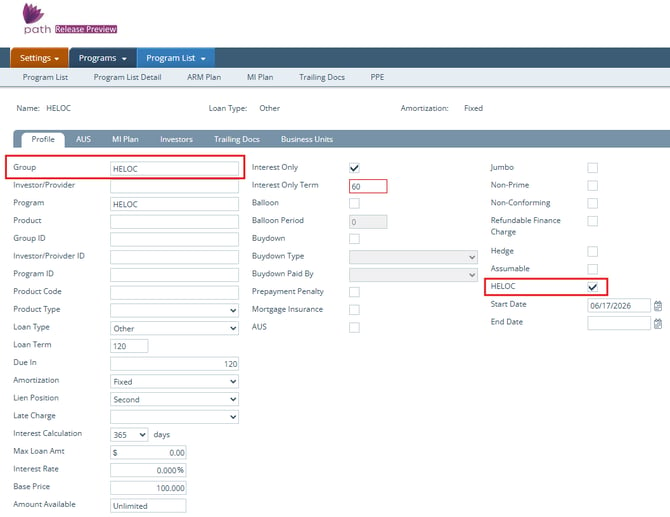
- Name the Program Template with Group Field.
- Check HELOC checkbox.
- Verify Start Date is entered.
- Enter HELOC program features
Note: If amortization if an ARM, an ARM Program will need to be created and linked to this program.
6. Save.
7. Select Business Units.
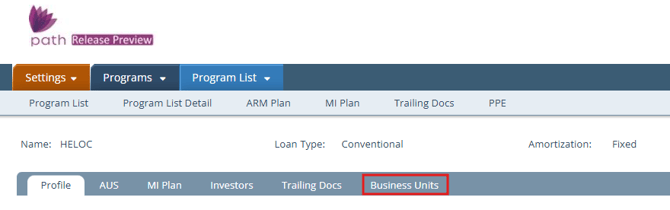
8. Open Business Unit you want to have access and enter Start Date.
If HELOC is ARM:
- From the ARM Plan tab add a new Program Template by clicking the plus icon.
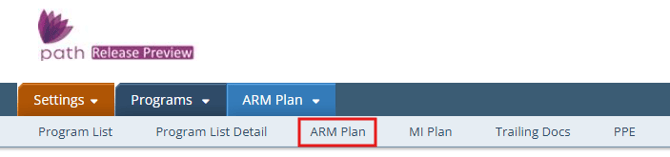
- Name the Program Template.
- Enter ARM program features.
- Verify Start Date is entered.
- Click Save.
- From Program List tab select the HELOC Program Template by clicking on its name.
- Select the ARM Plan tab.
- Select ARM Plan from dropdown list.
- Click Save.
