
1. Click "Production" then "Insurance" 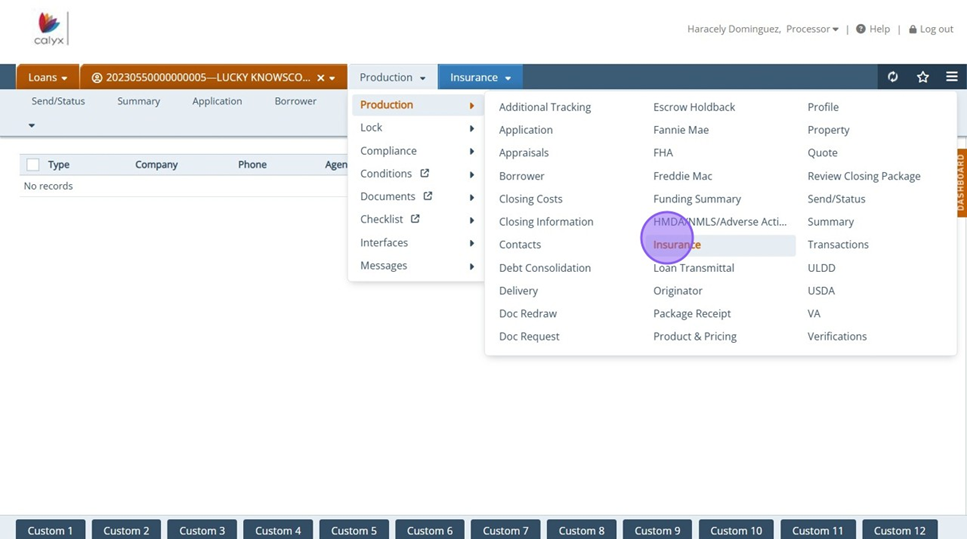
2. Click on "Add" icon 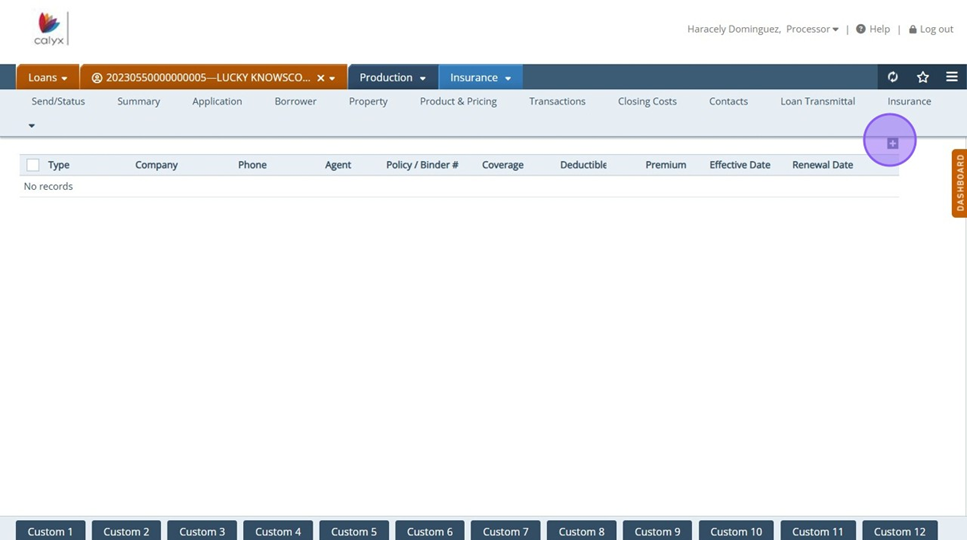
3. Select "Type" dropdown and begin filling in Insurance information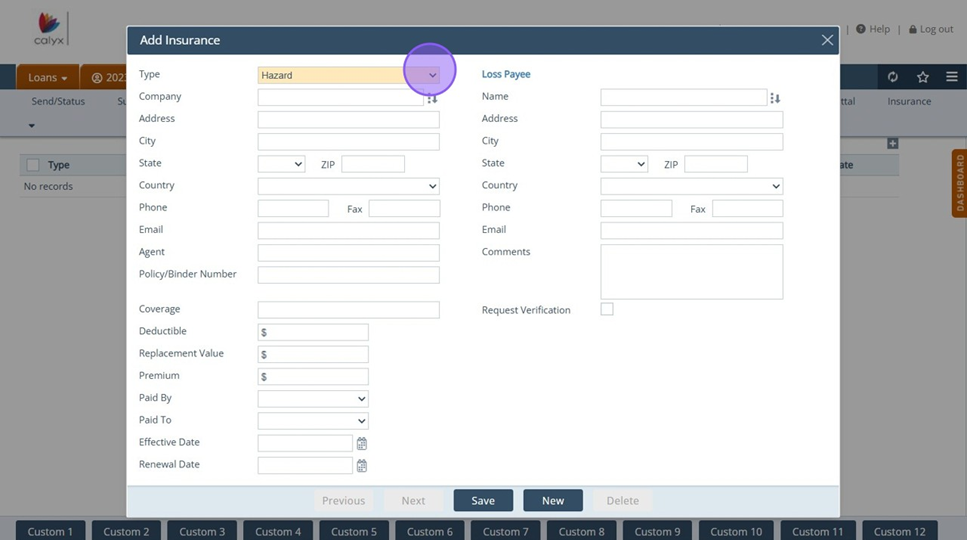
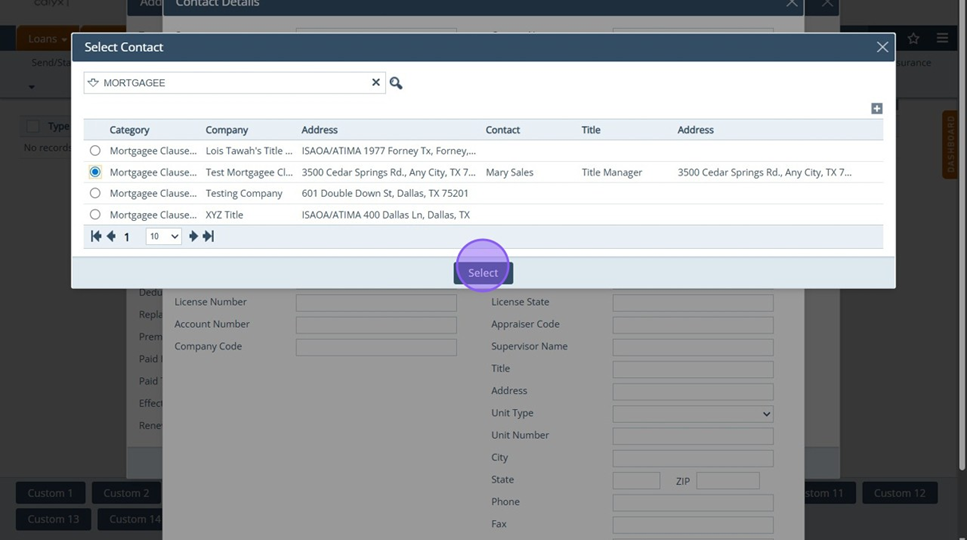
4. Once Insurance information is complete, enter in "Loss Payee" 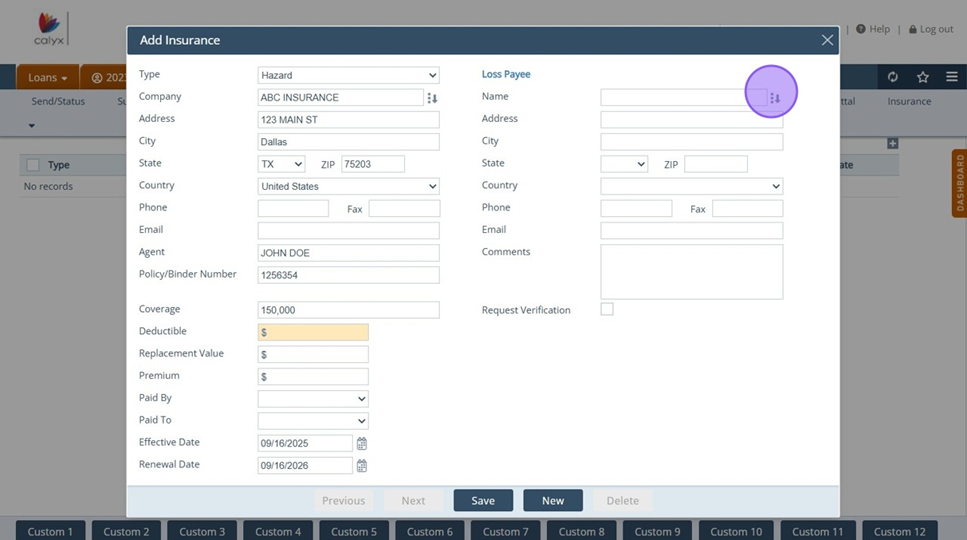
Tip! Add Mortgagee or "Loss Payee" as a Contact. Frequently used contacts can be accessed via dropdown versus having to manually type.
5. Select Contact and save
6. Once entry appears, Request form can be printed via "Documents" 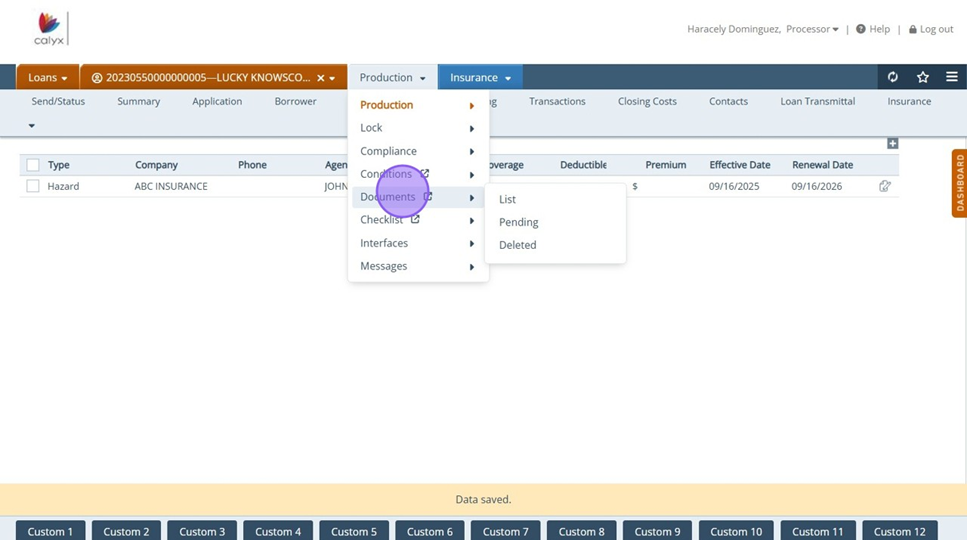
7. Click "Add From Library" 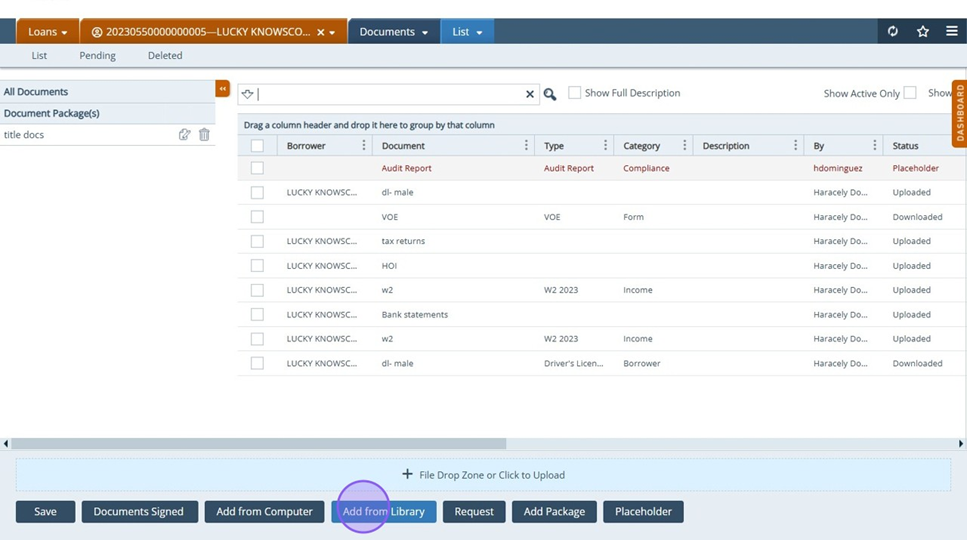
8. Search and Click "Request for Evidence of Insurance (CF-REQINS)"
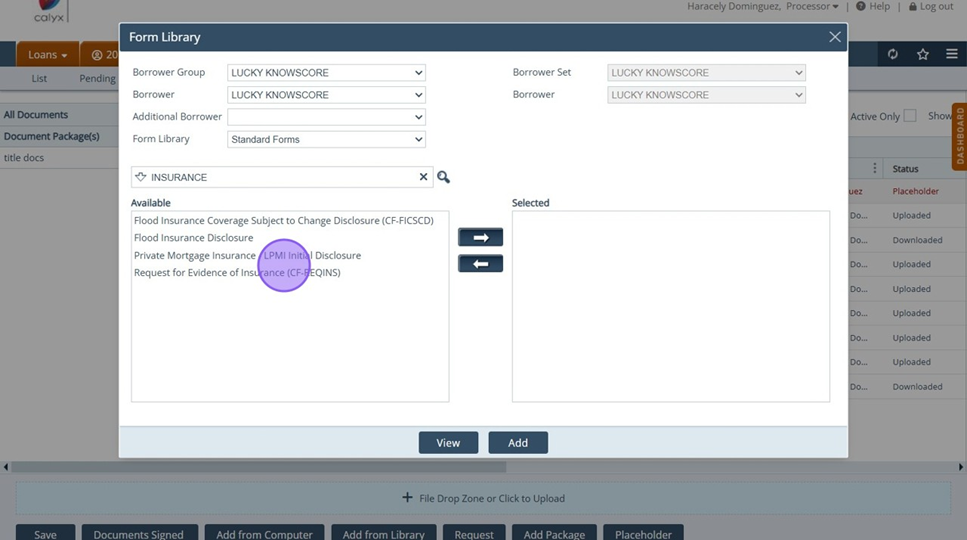
9. Request form will populate and become available to View
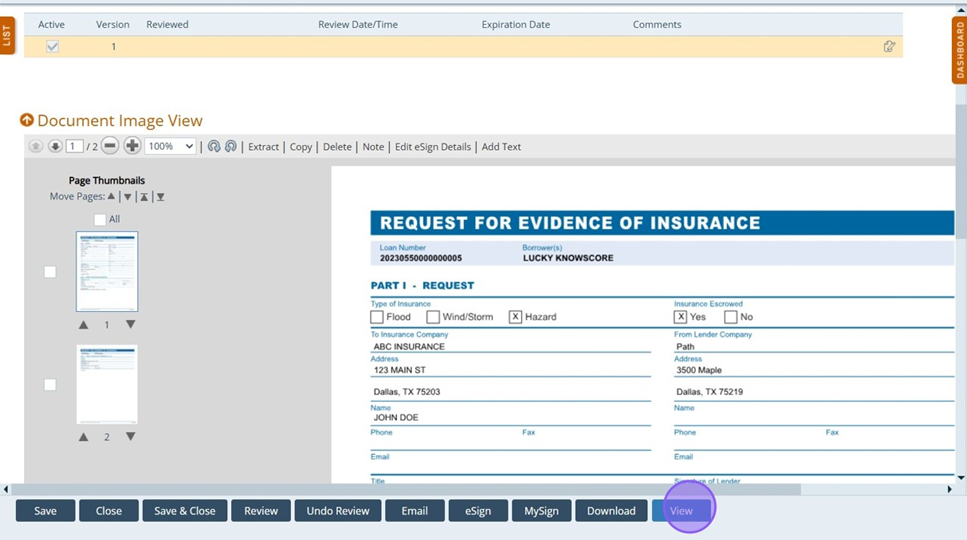
Tip! View form button can be added to the Insurance screen to eliminate extra step of navigating to Documents to print form. See "How to add: View form button" guide for instructions
