
User ability to create templates, custom screens, forms, reports by having visibility to see each individual Field ID name.
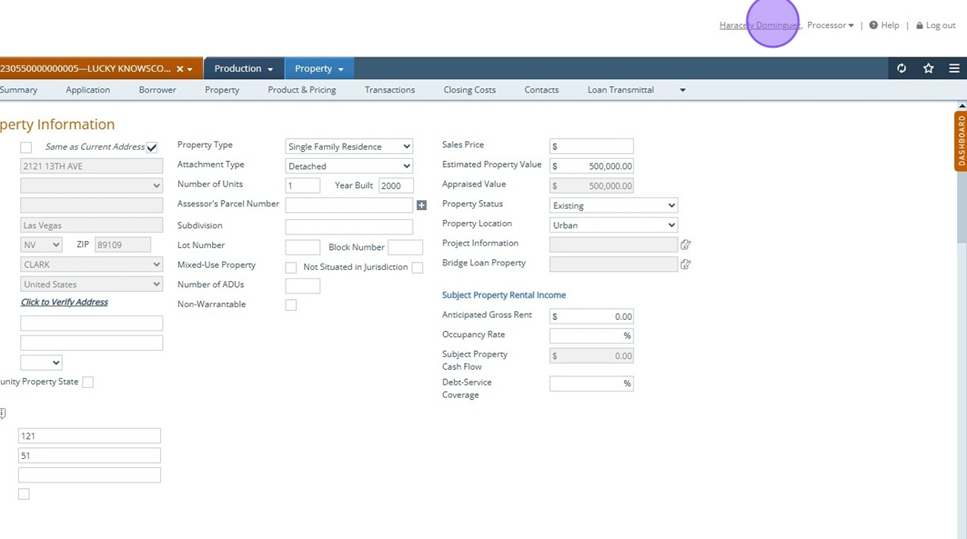
1. Click on your name
2. Click the "Show Path Field ID" field.
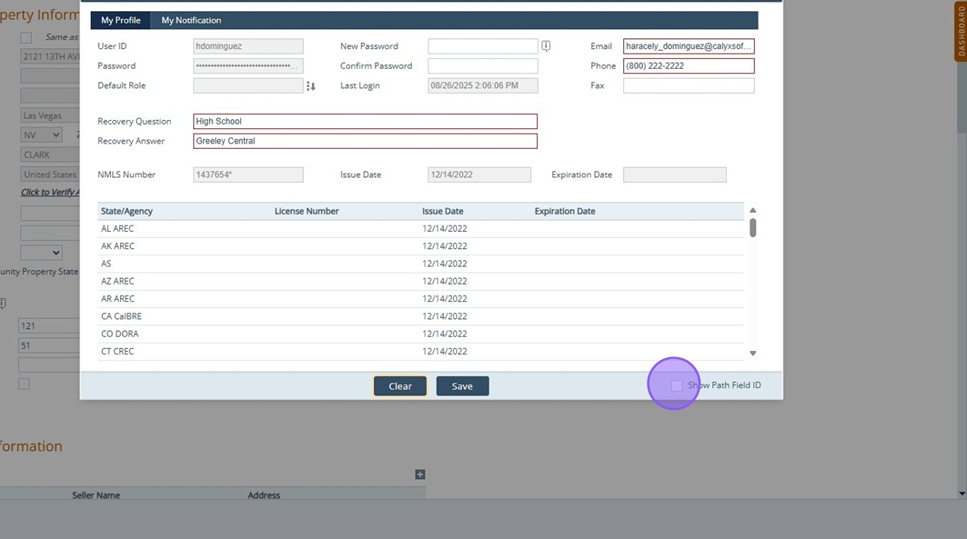
3. Click "Save" and exit screen
4. Click "▼" You will notice green arrows appear above certain fields
5. Click "▼" By clicking on arrow, red field ID will display in red.
Tip! Once you have obtained your desired Field ID, Turn off Path ID as it will slow down your server.
