
To auto-populate the Federal Tax ID number into Path, complete the following steps:
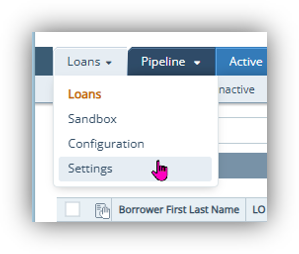
- Under the Loan Tab, go to Settings.
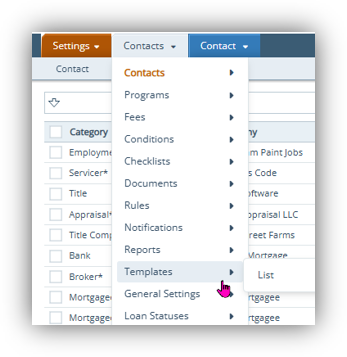
- Click Contacts, then Templates >List.
- Choose a Template to open by clicking on the template name
Click + sign in the upper right of the screen - Click the 3 dots or down arrow to the right.
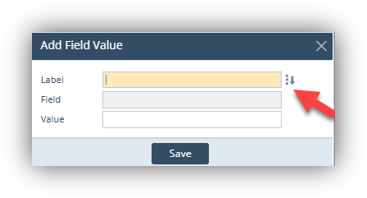
- Type in the following exactly as shown:Originator.CompanyEmployerIdentificationNumber
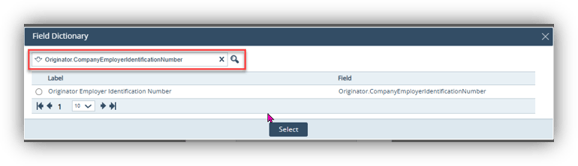
- Select the circle and click Select
- Enter the value as the “Federal Tax ID #.” Click Save
- Choose Save Again in the lower left corner.
Now the Federal Tax ID is defaulted into the template. Complete the same steps for each template that needs the Federal Tax ID to auto-populate.
