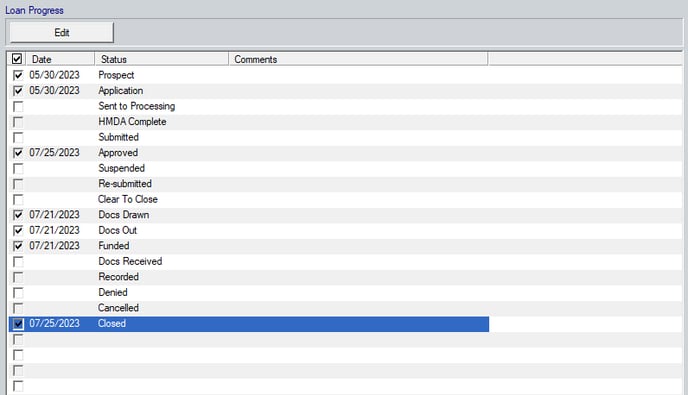
2611 Changing the status of a loan Open the Prospect or Borrower file. From the Menu bar, select Track > Status. Enter the date which the status applies, such as, Approved, Closed, or Cancelled.
![Point.png]](https://www.calyxsoftware.com/hs-fs/hubfs/Point.png?height=40&name=Point.png)
